
English
Caterino / Find venues
Event venues nearby
Find a venue for your celebration
Compare venues by guest capacity and facilities, then enquire about your preferred date.
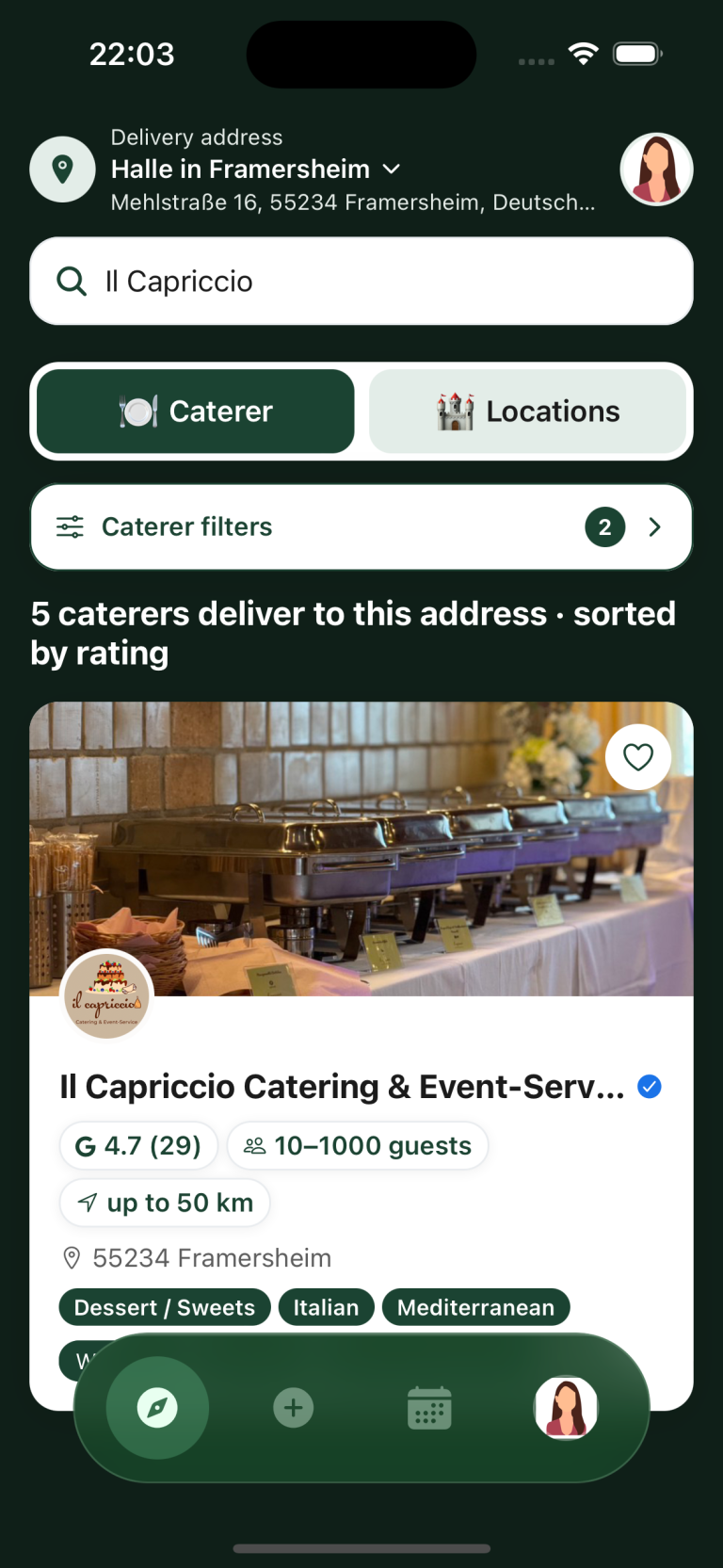

Compare event venues
Compare event venues by guest capacity, facilities and house rules. You can browse public provider profiles on a computer without signing in.
-
Capacity
Check the minimum and maximum guest numbers to see whether the space is suitable for your event.
-
Rules
Check the provider’s rules, such as restrictions on music or particular occasions. Ask directly if anything is unclear.
-
Facilities
Look for the facilities and included services, including whether step-free access is available. Include essential requirements in your venue request.
Send an open or direct request
Describe your event in an open request or contact selected venues through their profiles. Offers and replies are under “My events”.
You can also use Caterino to find catering.
Start your venue search
Download Caterino for iPhone or Android, or open the web app on your computer.
Frequently asked questions
What is Caterino?
Caterino helps you find event venues and contact their providers. You can compare profiles, send requests and discuss offers in the app.
How do I send a direct venue request?
Open the venue’s profile and tap “Request venue”. Enter your event details, review the request and send it.
How do I find venues near me?
Enter an address in your preferred area at the top of the app and choose “Locations”. Adjust the search radius and other filters to your needs.
Who do I book the venue with?
You book the space with the venue provider. Caterino helps you find and contact them.
Can I find catering for the venue as well?
Yes. Check the venue’s catering arrangements, then switch to “Caterer” if you need an external caterer. Send a separate catering request.
