
English
Catering and venues
Find catering and venues.
Compare providers and send free enquiries. In the app or on your computer.
No booking fee.

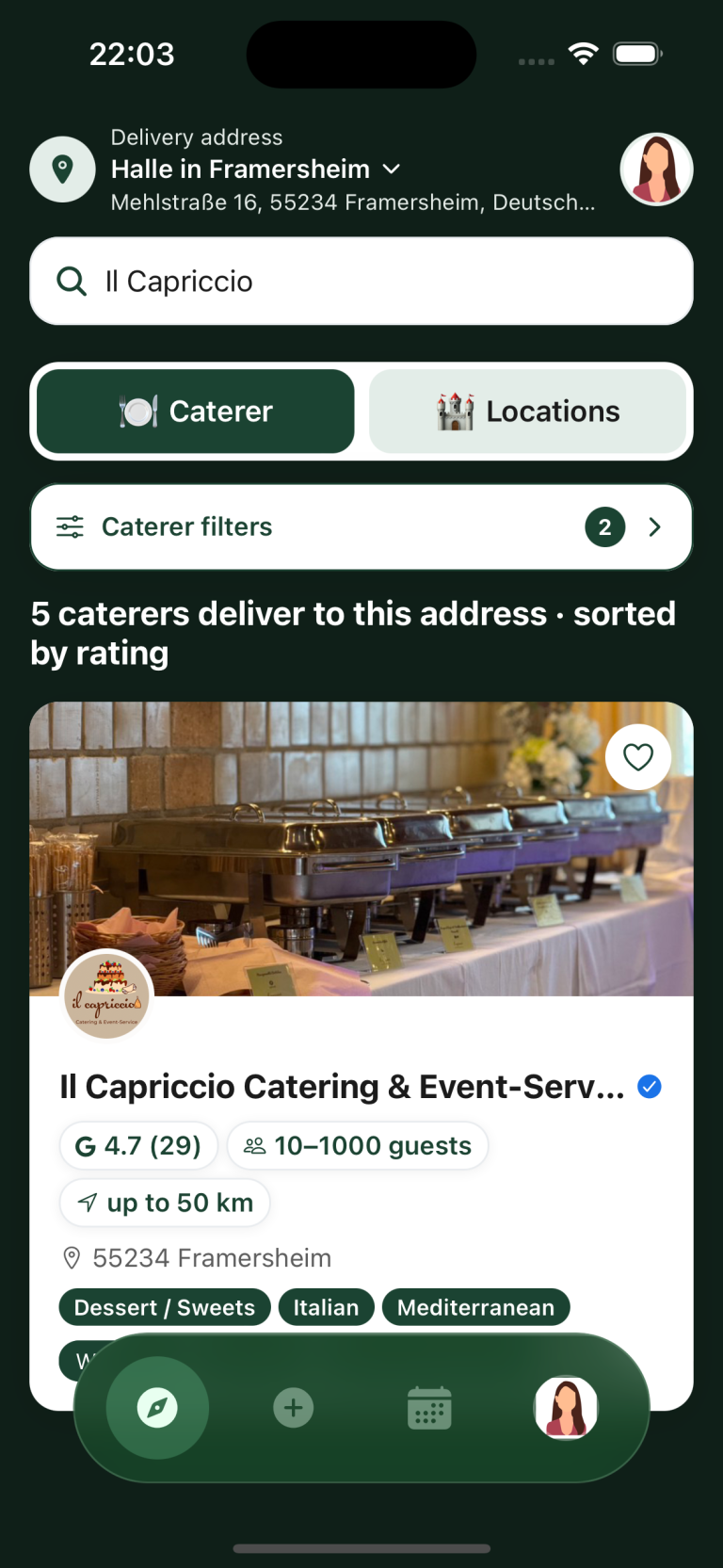

We stand for fair and impartial connections
Our aim is to give small and large providers an equal chance to be found. We don’t sell top placements.

Find the right provider
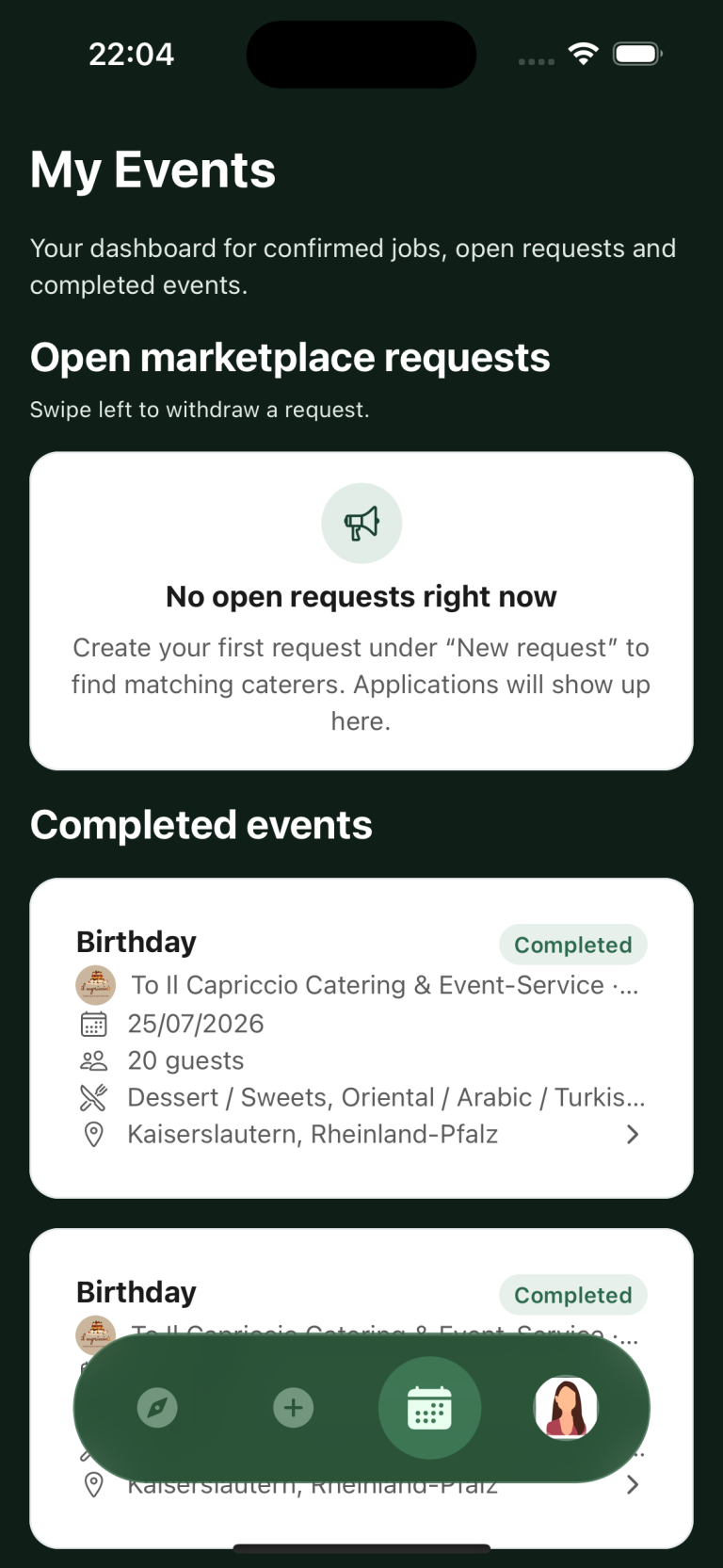
Compare guest capacity, delivery areas, facilities and house rules in provider profiles.
-
1. Discover providers
Find caterers or venues near you. Compare profiles and filter by what you need.
-
2. Send a request
Describe your event once in an open request so suitable providers can reply. If you already have favourites, contact them directly through their profiles.
-
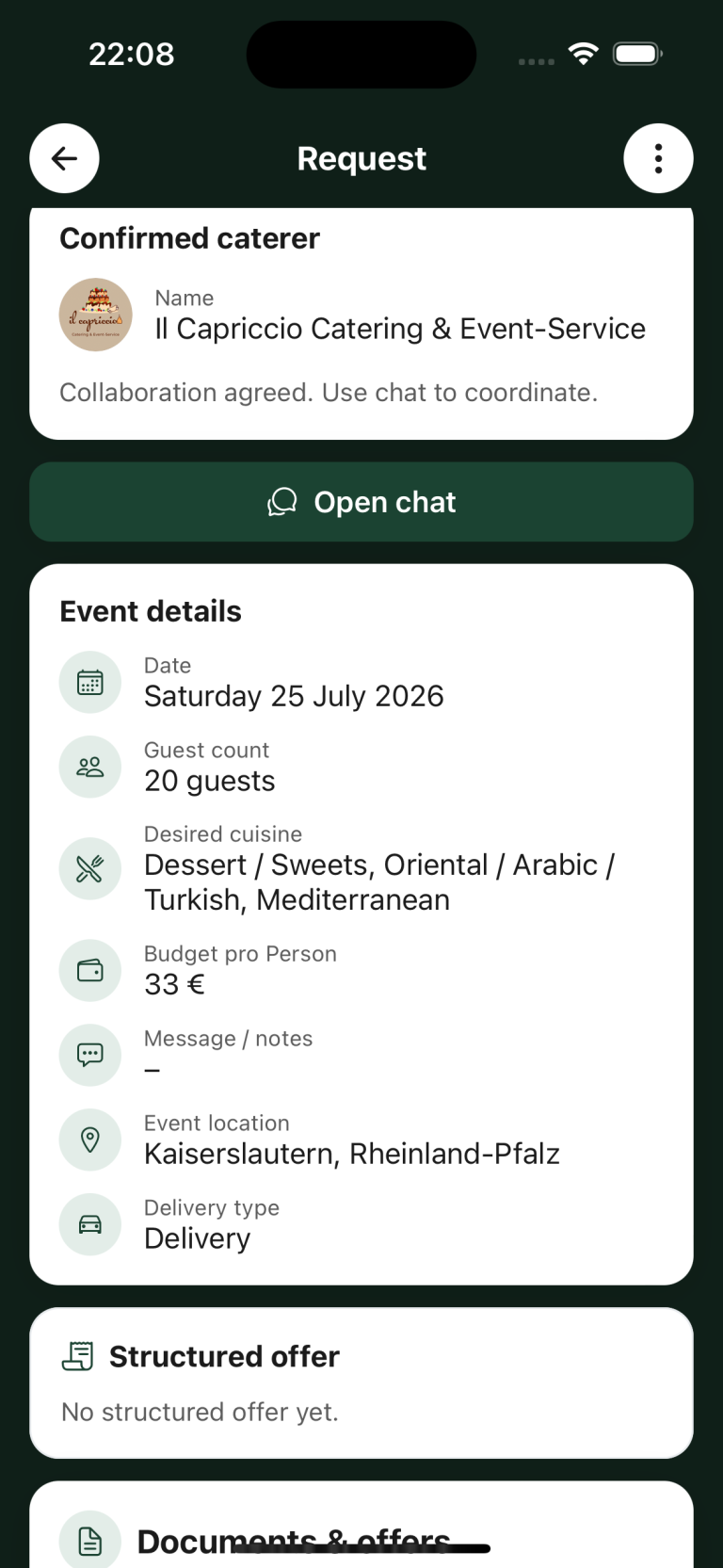
3. Compare offers
Compare offers and discuss the details in the chat. Confirming acceptance in the app makes the booking binding.
Start your search
Your business on Caterino
Create your profile and find requests that suit your business.
Start as a providerFrequently asked questions
What is Caterino?
Caterino is a platform for finding caterers and venues for events such as weddings, birthdays or company celebrations.
Can I use Caterino without downloading the app?
Yes. On a computer, you can browse and compare public provider profiles at web.caterino.app without signing in. You need a free account to send direct or open requests. On a smartphone, use the iOS or Android app.
Is it free to use?
Search and requests are free for event planners. Catering and venue hire are paid to the provider. Caterino does not charge a booking fee.
How do I find caterers near me?
Search using your delivery address and filter by guest count and cuisine.
How do I find a venue near me?
Search in your preferred area and compare capacity, facilities and house rules in the profiles.
How do I create an open request?
An open request reaches suitable providers without choosing one business first.
1. Open “New request” and choose “Create new open request”.
2. Choose catering or a venue and enter the date, guest count and occasion.
3. Add the delivery address or the area you want, and your requirements. You can add a price idea if you have one.
4. Review your details and choose “Publish open catering request” or “Publish open venue request”.
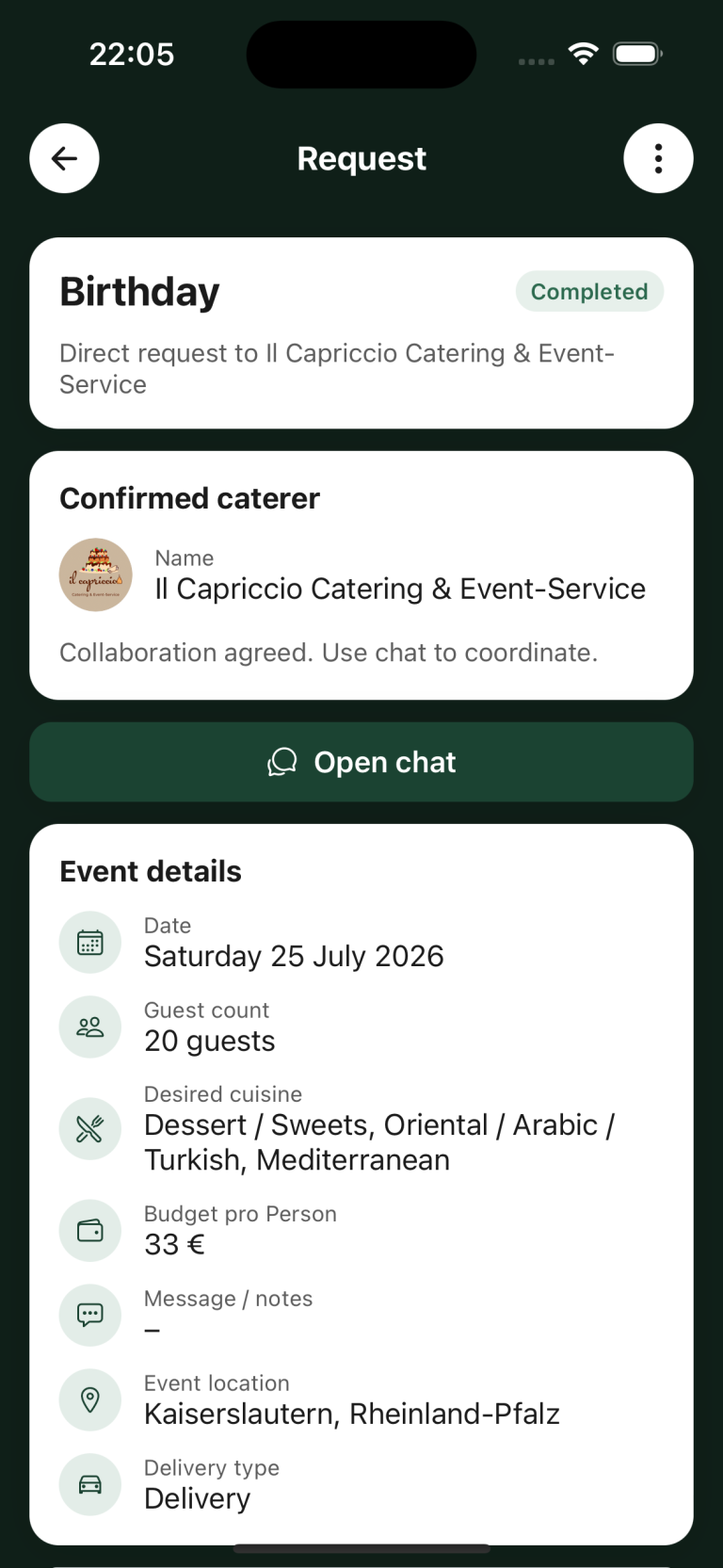
5. Open the request under “My events” to compare replies and message the providers.
A request is not a booking yet. The booking becomes binding only when you accept a provider’s offer in the app and confirm your choice.
How do I contact a specific provider?
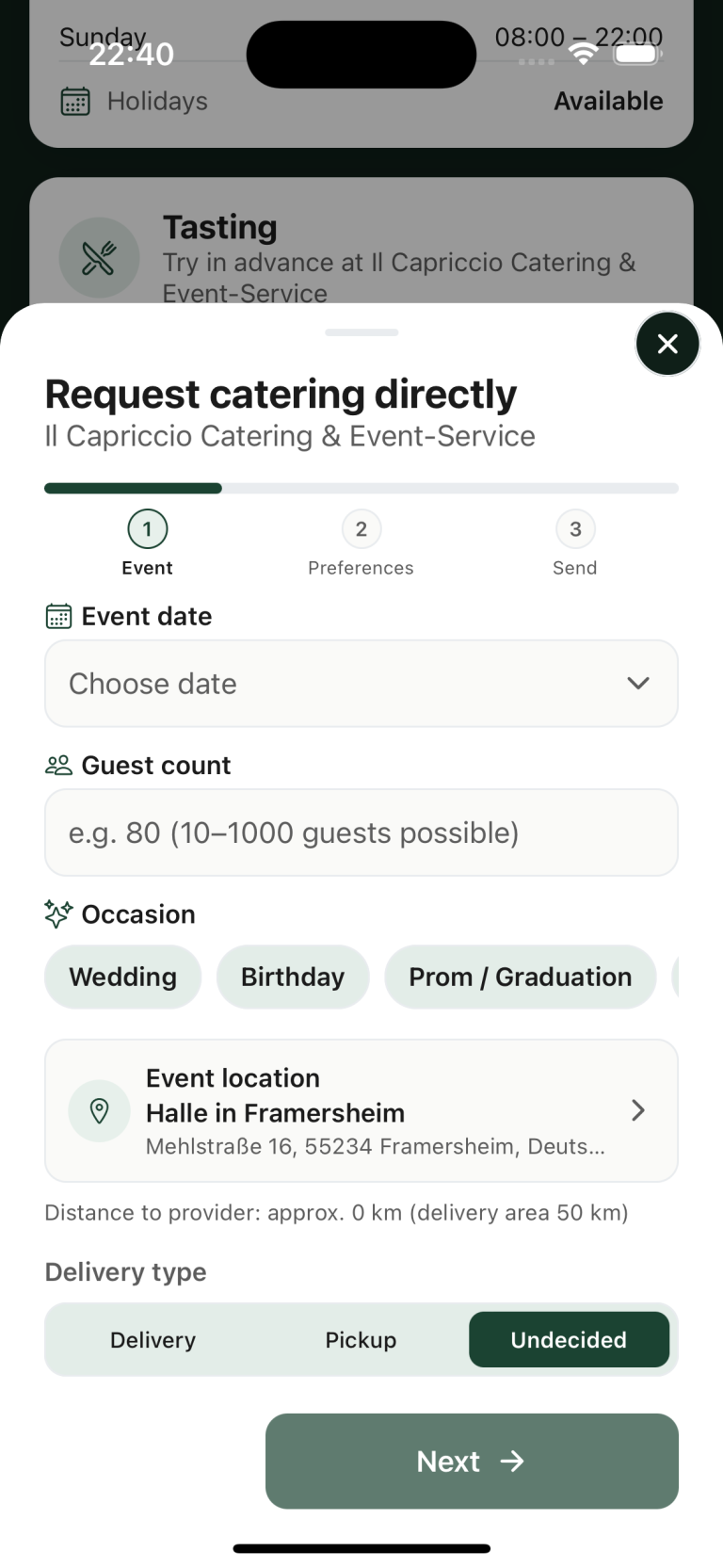
1. Open the provider’s profile and choose “Request directly”.
2. Enter the event details and add your requirements.
3. Review the request and send it.
4. You will find the reply with that request under “My events”.
Where can I read replies to my request?
Under “My events” you find the replies and provider chats for each request. Open a request to read the chat.
What is Protect, and do I have to use it?
Protect is a payment option with advance payment and a release code. You do not need Protect to find or compare providers. A provider may require Protect for their orders.

Featured in





A closer look

The video could not be loaded.

Contact
Need help with Caterino? Use the contact form below, send us an email or give us a call.
